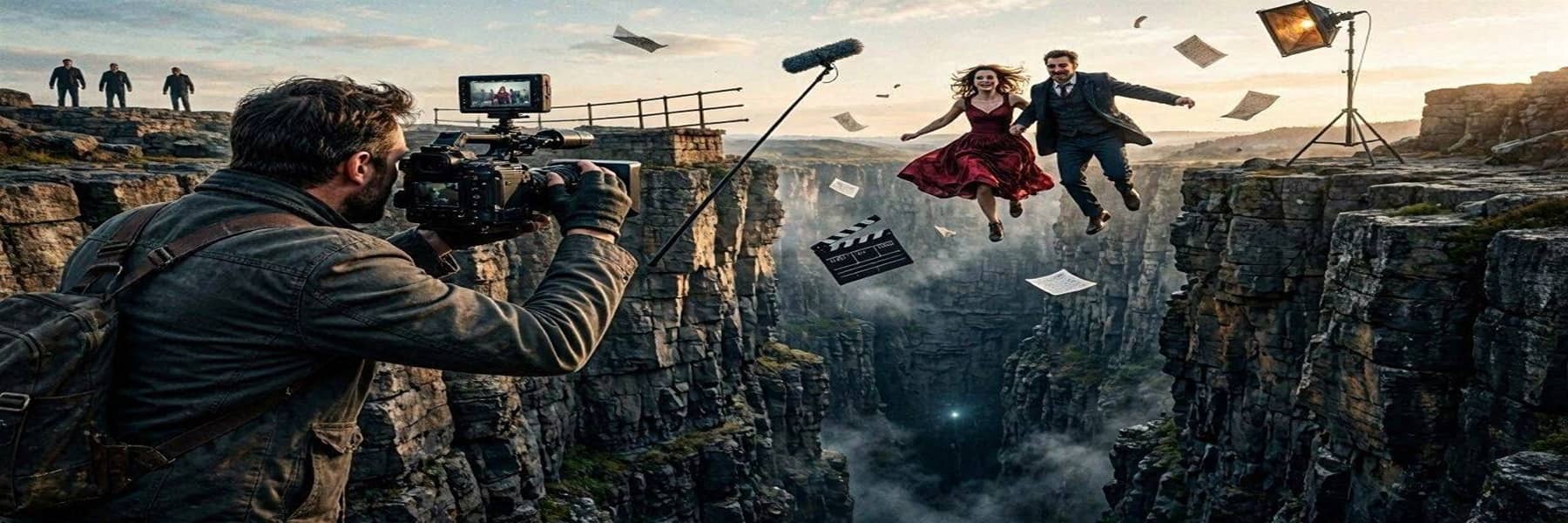

Google's Gemini Omni Flash, launched at I/O 2026 in May, can generate and edit video from any combination of text, image, audio, and video inputs using conversational prompts, and it is already being integrated into tools from Adobe, Figma, and other creative platforms. The model's ability to handle physics simulations, character continuity, and multi-turn scene editing has put it at the center of an intensifying debate over AI's role in visual effects production. The backlash extends well beyond Google. A CVL Economics study found that more than 118,000 film, television, and animation jobs in the US, roughly 21% of the industry workforce, are expected to be disrupted by AI video tools by the end of 2026.
Los Angeles County has already lost 41,000 entertainment jobs in three years. ByteDance's Seedance 2.0, which generated cinema-quality viral clips featuring likenesses of A-list actors, compounded the anxiety and drew copyright complaints from Disney and Paramount. Google's own $75 million investment and partnership with A24, the studio behind Hereditary and Midsommar, further inflamed Hollywood professionals. The company has pushed back with safeguards: all Omni-generated videos carry its SynthID digital watermark by default, and it has deliberately withheld speech editing capabilities for now. The VFX community remains unconvinced that watermarking addresses the real concern, which is not whether AI content can be detected, but whether human artists will still be hired to create it.